A powerful image viewer (and editor) you can put on your USB drive
FastStone Image Viewer's name is slightly misleading, as it is both an image viewer and editor. While it can't compete with the nifty features in leading image-editing suites, it's viewing options are top notch.
Top Recommended Alternative

This is a portable version of the suite that is offered as a zip file with all the files needed to run the application independently. This means you can carry it around on a memory stick or USB flash drive, as well as easily copy it from PC to PC.
Image viewing and editing
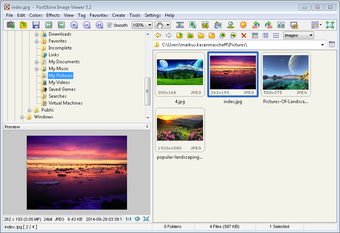
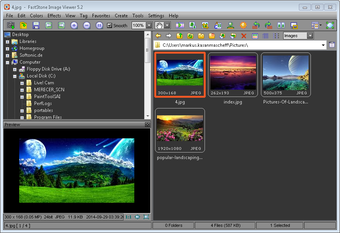
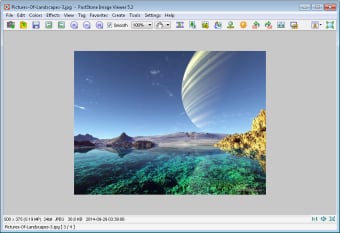
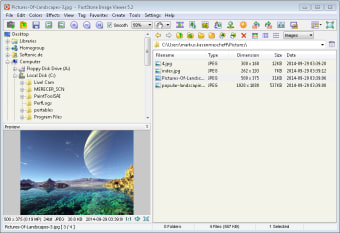
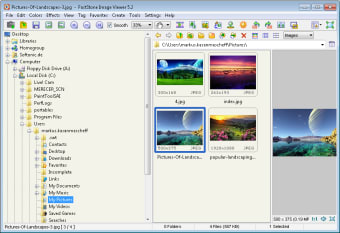
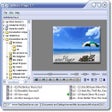
FastStone Image Viewer comes with a great range of image viewing options. First off, there is the standard file browser that displays thumbnails of your images with a preview window for the file that is currently selected. The program also offers an option to check out individual pictures in full-screen mode and as a slideshow with different background effects, as well as the ability to zoom and magnify your photos.
Other options include the ability to compare up to four images side by side so you can decide which ones you want to keep, as well as tag your images (with location) and view EXIF information (camera settings and scene data).
However, FastStone Image Viewer goes beyond simply displaying images. You can perform quick edits to really bring out the best in your pics, such as adding a stylish frame that acts as a mask to reduce the sharp edges, or adding borders, watermarks, and sketch and oil painting effects.
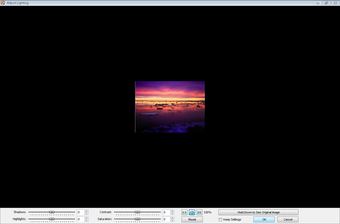
Or, if you happen to be working with 3D, FastStone Image Viewer also offers a very effective bump map option that will serve you well for texturing. There are also the standard tools for resizing, cropping, brightness/darkness adjustment, sharpness/blur, grayscale and red-eye removal, as well as more advanced tools for adjusting levels, curves and lighting.
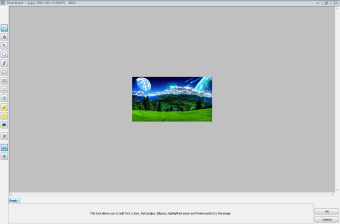
Other features include batch converting into PDF, JPG, PNG and TIFF files and the option to take screen captures and add text, lines and shapes in the Draw Board menu. FastStone Image Viewer also supports touch interface input.
Over-complicated layout
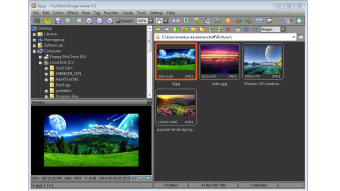
FastStone Image Viewer's interface looks a bit outdated and it's much too busy. It's not immediately obvious what all the buttons at the top of the screen do and it over complicates the layout. But the drop down menus are well organized and logical, which makes it much easier to access the options you need.
When you are viewing your images in full-screen mode you can still access the different tools by hovering your mouse over the four corners of the screen, which is a useful trick and helps make the program more user friendly. Or you can right click on the screen to get some basic navigation and editing options.
You can change the skin of FastStone Image Viewer if you prefer a different style (MacX, Windows XP, Windows Classic etc).
Stick to image viewing
There's healthy competition in the image viewer arena and FastStone Image Viewer offers plenty of great features in a fairly easy-to-use (if not very attractive) package. However, the program seems to be having an identity crisis and can't quite decide is it's an image editor or viewer. If FastStone Image Viewer sticks to developing its range of great options for viewing images then it will remain a top choice to download.